The banking area gives you an overview of your accounts and the tools to post adjustments — the entries you use when a recorded balance drifts away from what the account really holds. A bank charge or interest line you didn't capture, a small rounding difference, an opening balance that needs correcting, or a discrepancy you spot while reconciling: an adjustment records the difference as a clean, dated, explained entry so the account matches reality again.
Adjustments are usually handled by whoever keeps the books — the owner, an accountant, or a manager with banking access. Every adjustment is tied to one account, numbered automatically, and stamped with who posted it, so the trail stays clear when you or your accountant review the period later. Before you can post one you need at least one account set up; see Banking and cash accounts if you haven't added yours yet.
Step 1 — Open the banking overview
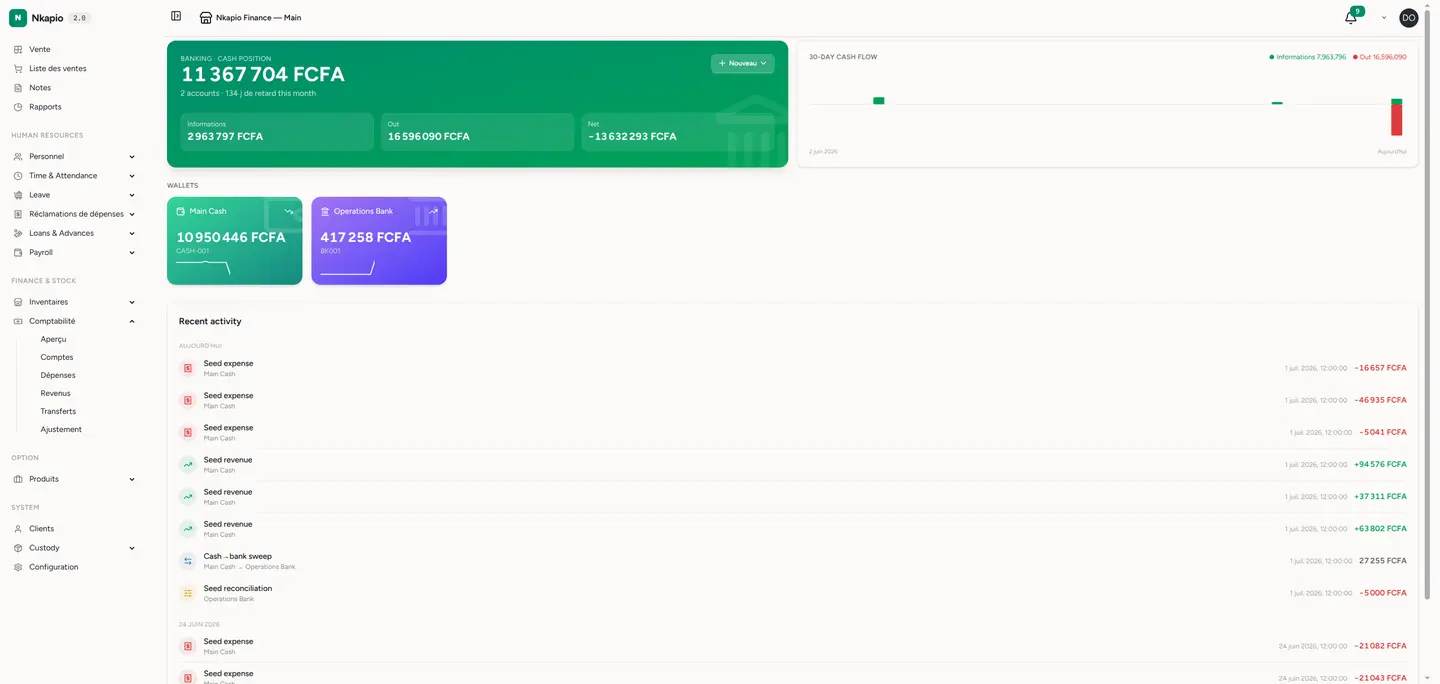
Click Banking in the sidebar. You see each account with its running balance and recent movements, so you always know where your money sits. This is your starting point: check the balance that looks wrong before you decide what to correct.
Step 2 — Review adjustments
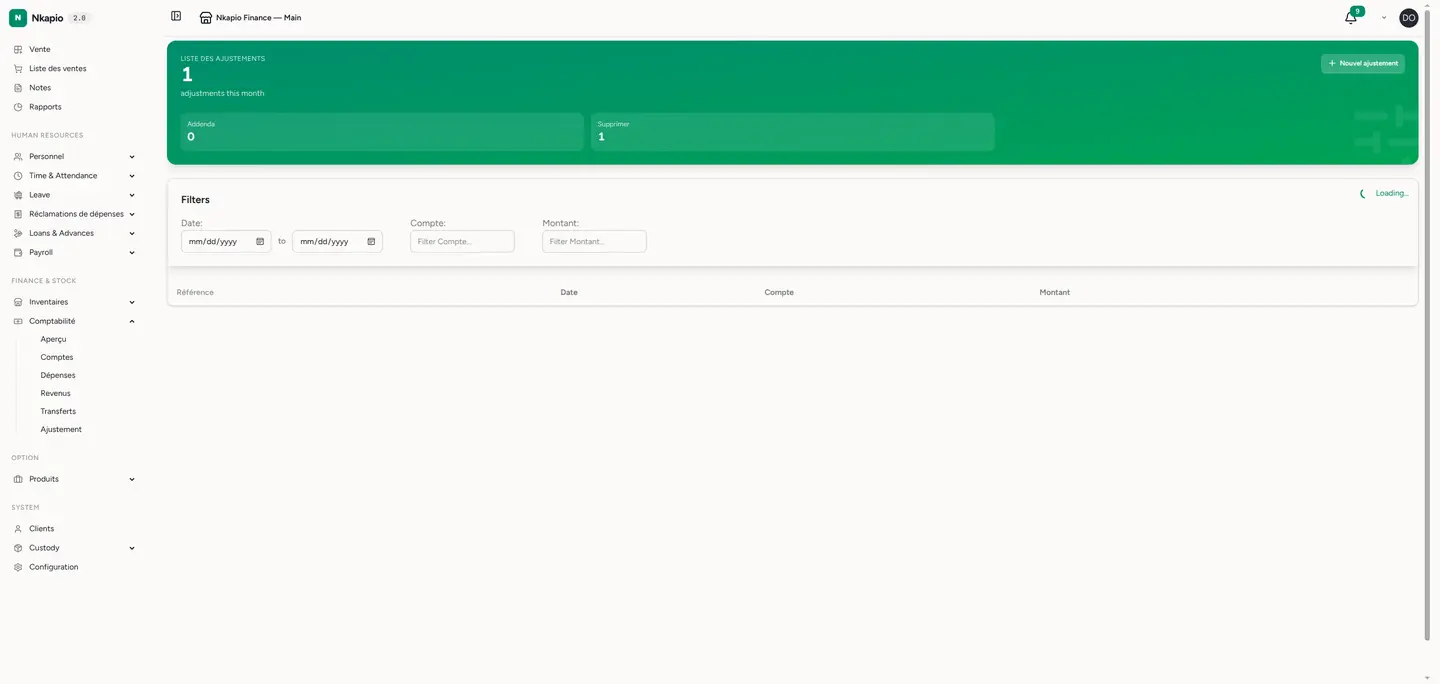
Open the Adjustments list. Each adjustment shows its date, the account it affects, the amount and a description explaining why it was posted. Filter by date or account to audit past entries, and open any row to see its full detail. Reviewing the list before adding a new entry helps you avoid posting the same correction twice.
Step 3 — Post a new adjustment
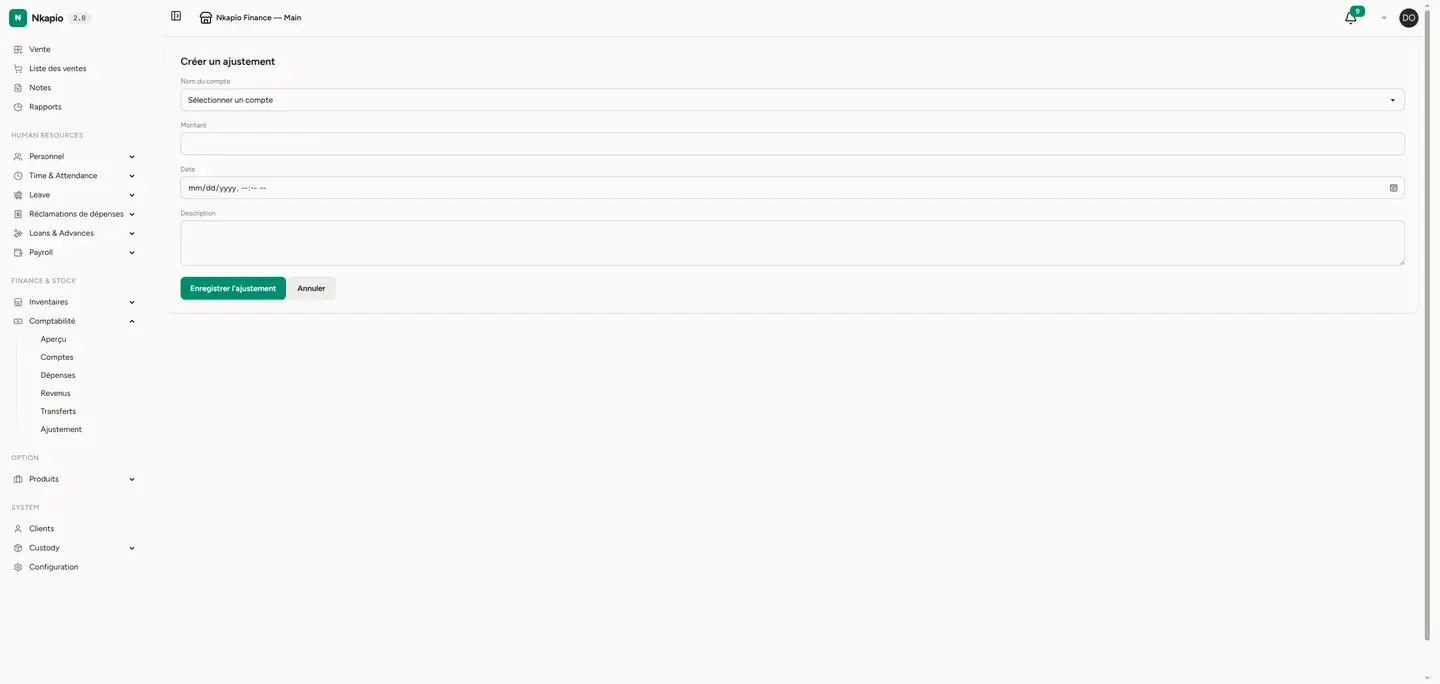
Click New adjustment. Choose the account to adjust, enter the amount of the correction, set the date it should take effect, and add a clear description of why you're posting it. Save, and the entry updates that account's balance immediately and flows through to your ledger — so your statements and double-entry books stay in step. You post against a single account here; there's no debit-and-credit pairing to fill in, Nkapio handles the matching ledger side for you.
Tip: always write a description that explains why — future you, or your accountant, will thank you when reconciling the period.
Good to know
- One account per entry — an adjustment corrects a single account. If two accounts are off, post one adjustment for each so every balance stays traceable.
- Deleting reverses the effect — removing an adjustment undoes its impact on the account balance, so a mistaken entry is easy to unwind cleanly.
- It reaches your reports — because each adjustment posts to the account statement and the ledger, it shows up in your cash position and financial reports, not just the adjustments list.
Frequently asked questions
When should I use an adjustment instead of an expense or other revenue? Use an expense or other revenue to record a real business transaction. Use an adjustment only to correct a balance — bank fees, interest, rounding, or an opening-balance fix — where there's no ordinary sale or expense to record.
Can I edit an adjustment after posting it? Adjustments aren't edited in place. If one is wrong, delete it — which reverses the balance change — and post a fresh, correct entry.
Will an adjustment unbalance my books? No. Each adjustment posts a matching ledger entry automatically, so your double-entry accounts stay balanced.